

How to Choose a Driving Simulator: The Five Decisions That Matter
Controls, screens or VR, motion, local roads and traffic, and support: the five decisions behind choosing the right driving simulator.
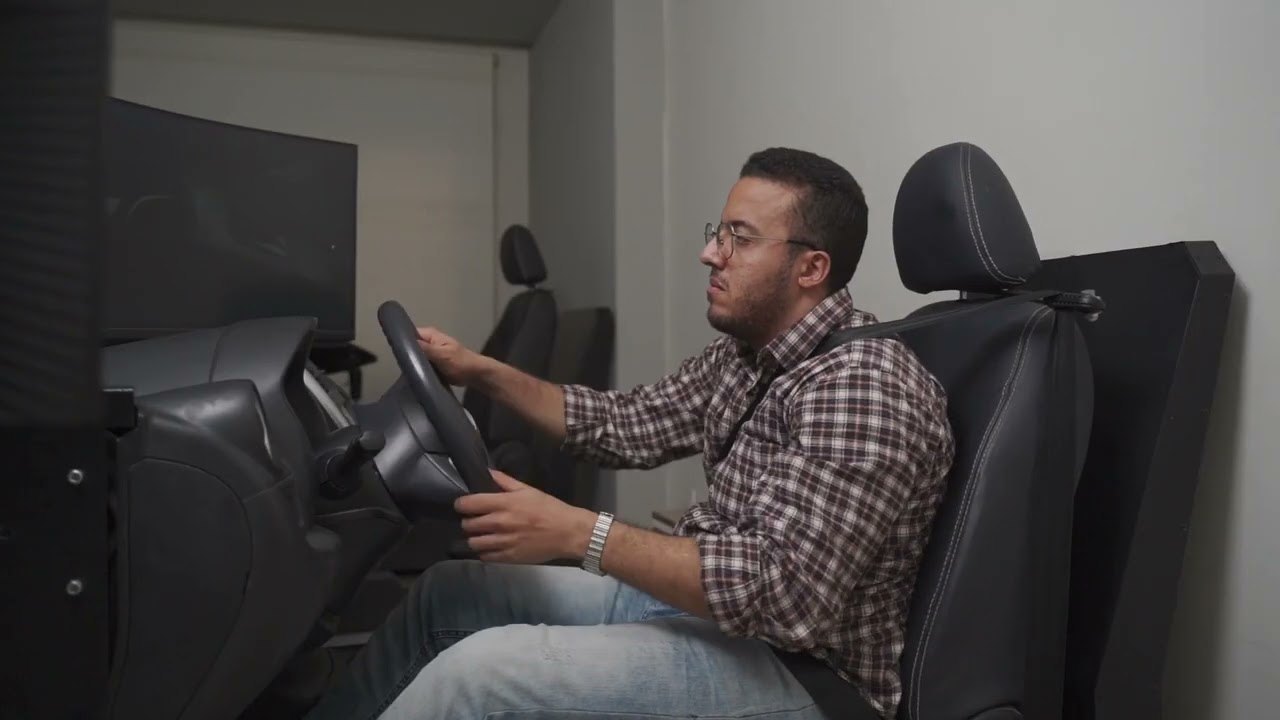
Choosing a driving simulator comes down to five decisions: the controls, the display, motion, the roads and traffic it models, and the reports and support around it. Make them in that order, starting from what the simulator is for. A simulator for licensing and one for a road-safety event can look alike and need very different answers.
Why start with what the simulator is for?
Because "a driving simulator" can mean a screen and a gaming wheel, or a cab with embedded controls, three screens, a library of scenarios and an instructor station. Both carry the same name. Until you describe the training you want, you cannot tell which one you need, or compare suppliers fairly.
Start by writing the aim in one sentence: licensing, driver education, onboarding new drivers, hazard practice, or assessment. A licensing simulator and a road-safety experience at an event can look alike and need very different set-ups.
What are the five decisions?
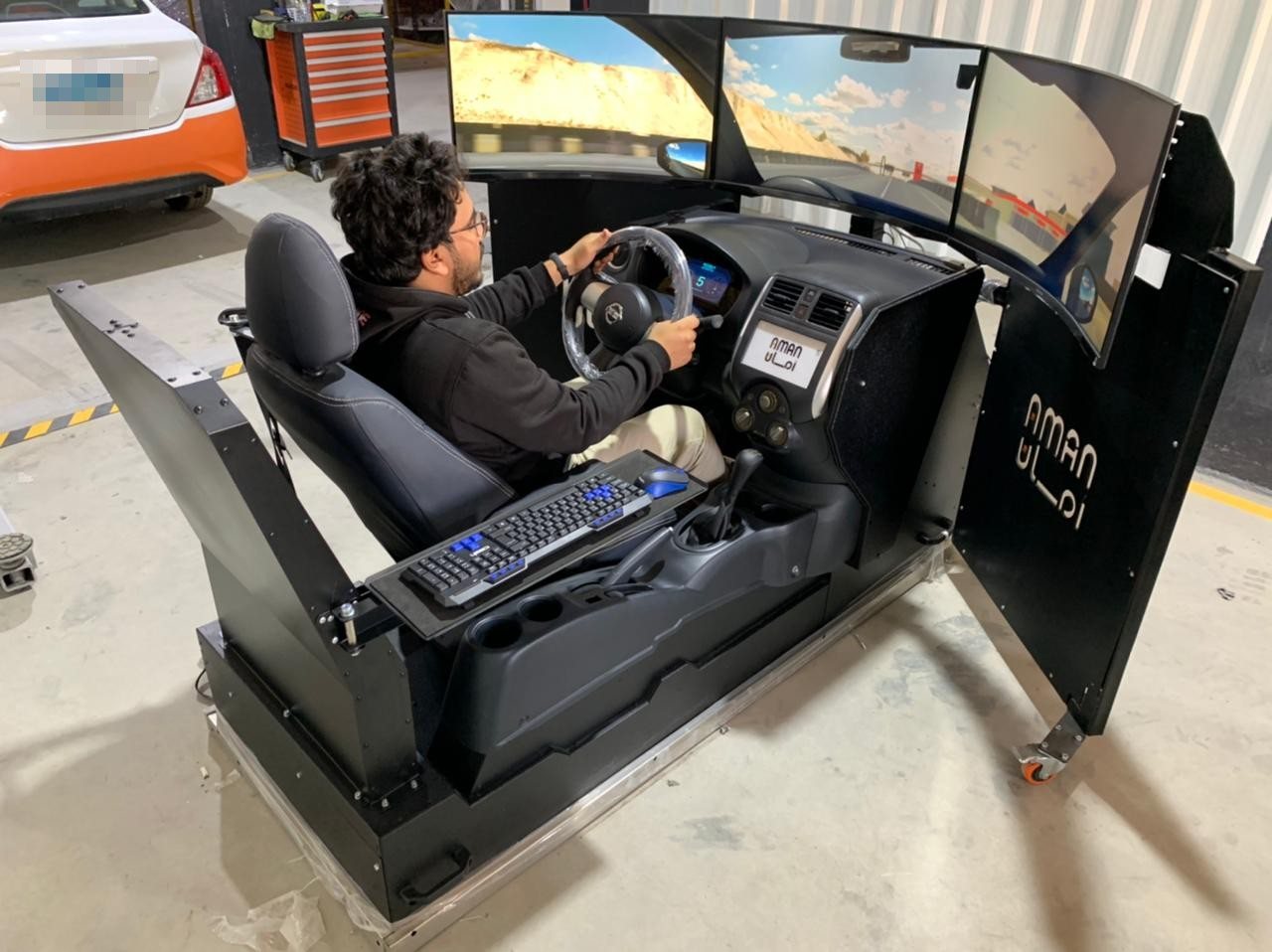
1. The controls. Real cab parts (seat, wheel, pedals, dashboard) wired to the software matter most when the trainee is learning a real vehicle. Hands and feet learn habits. If the aim is licensing, generic controls teach the wrong ones. Ask who repairs the electronics and how long parts take.
2. Screens or VR. Screens let an instructor and other trainees see what the driver sees, and take more floor space. A VR headset gives a full view in a smaller footprint. Ask how long trainees can comfortably wear it, and whether the instructor can follow on a monitor.
3. Motion. A motion platform moves the seat with braking, turning and bumps. It adds space, power, safety checks and maintenance. It matters when the feel of the vehicle is part of what is being learned, and much less for road rules or a control layout. Ask each supplier to justify it for your aim.
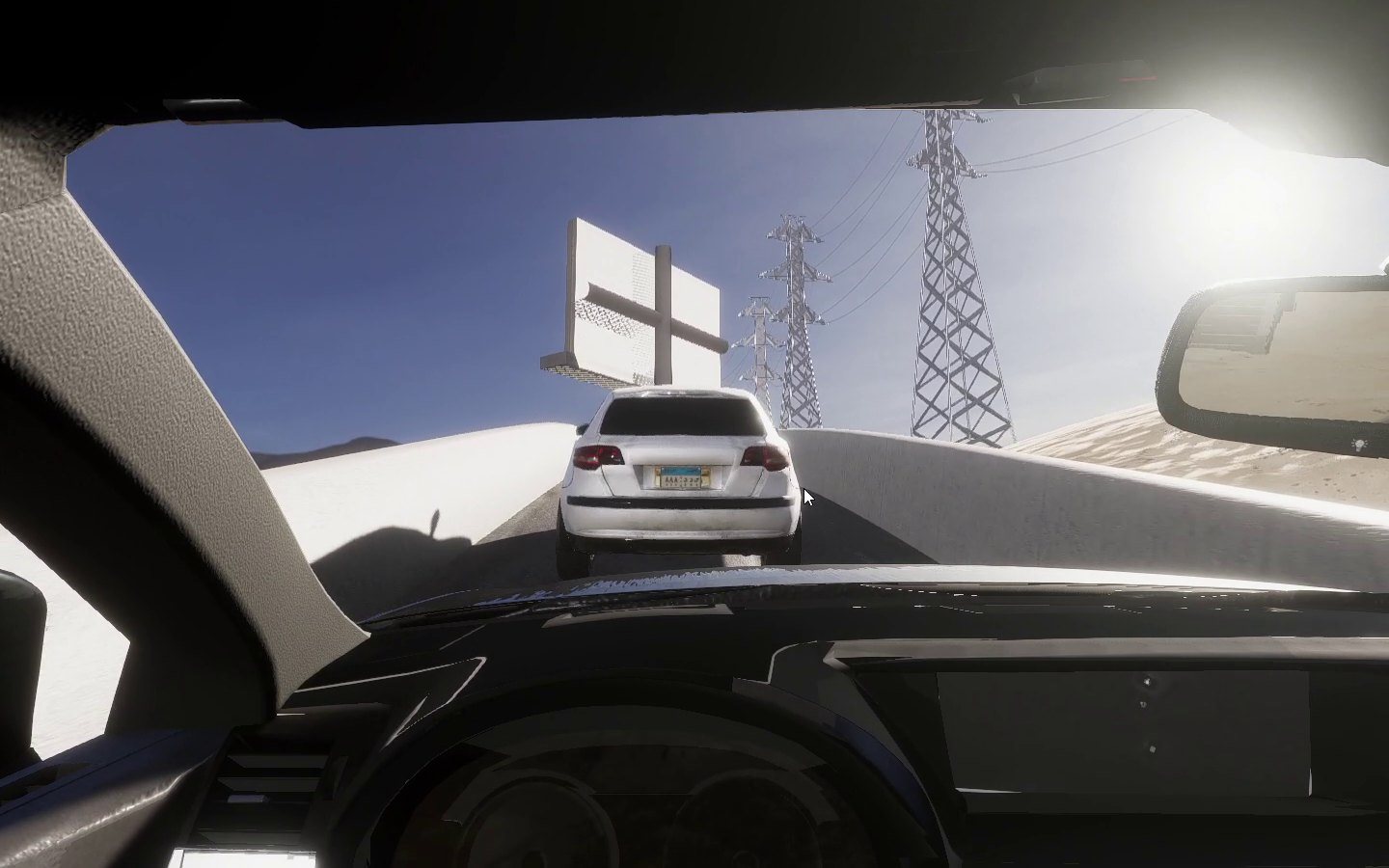
4. Roads, traffic and scenarios. This is where the training happens. Local roads, signs and markings, traffic that behaves like local traffic, and a test route people recognise all take work to build. The driving simulator we built in Egypt models Egyptian roads, traffic and driving behaviour, with AI-controlled vehicles that react to the driver. Whether a generic city is good enough depends on the aim.
5. Reports, installation and support. An instructor station with live view, pause, replay and a report after every session; installation and an acceptance test; instructor training; spare parts and maintenance. These are easy to leave out of a tender and hard to add later.
How many simulators do you need?
Work it out from trainees. Count the trainees a year, the sessions each one needs and the hours a simulator is used each day. That gives the number of rigs. One well-used rig often does more than two that sit idle because nobody was trained to run them. Plan the instructor time too.
What should you plan for after delivery?
- Wear parts: pedals, wheels, buttons, screens, PCs and headsets.
- Preventive maintenance and fault response times.
- Software updates, including how they reach a simulator on an isolated network.
- New scenarios or routes later.
- Training new instructors when staff change.
Ask for these in writing, with the support agreement, before award.
How do you compare suppliers?
Send every supplier the same short list, and ask them to answer each line:
- The aim, and the number of trainees a year.
- The vehicle types, with photos of the real controls.
- Controls, display and motion, with the reason for each.
- The roads or routes to model, and the scenarios.
- Arabic and English for trainees, instructors and reports.
- Online, offline or an isolated network.
- Reports and where they must go.
- Installation, acceptance test, instructor training, spares and support.
- A demonstration on the rig you will actually receive.
Our free simulator buyer's guide turns this into a checklist you can paste into a tender.

Frequently asked questions
Is a desktop simulator good enough?
For learning road rules or hazard awareness, often yes. For licensing or onboarding on a real vehicle, real controls matter far more than the screen.
Do we need a motion platform?
Only when the feel of the vehicle is part of what the trainee must learn. Ask the supplier to justify it for each outcome.
Can a simulator run without internet?
Yes, if you ask for it. Ours can run offline on site PCs, with training data kept on your network.
Screens or VR for a licensing simulator?
Screens let an examiner or instructor see exactly what the driver sees. VR saves space. Choose by who needs to watch, and how long each session lasts.
If you are planning a driving or equipment simulator, start a project with us. We design, build and test the whole simulator in-house: hardware, controls and training software. See the driving simulators we built for a national licensing programme.
Last updated: 3 November 2026


